
How to remove the “Missed Calls” Popup on your Cloud Phone

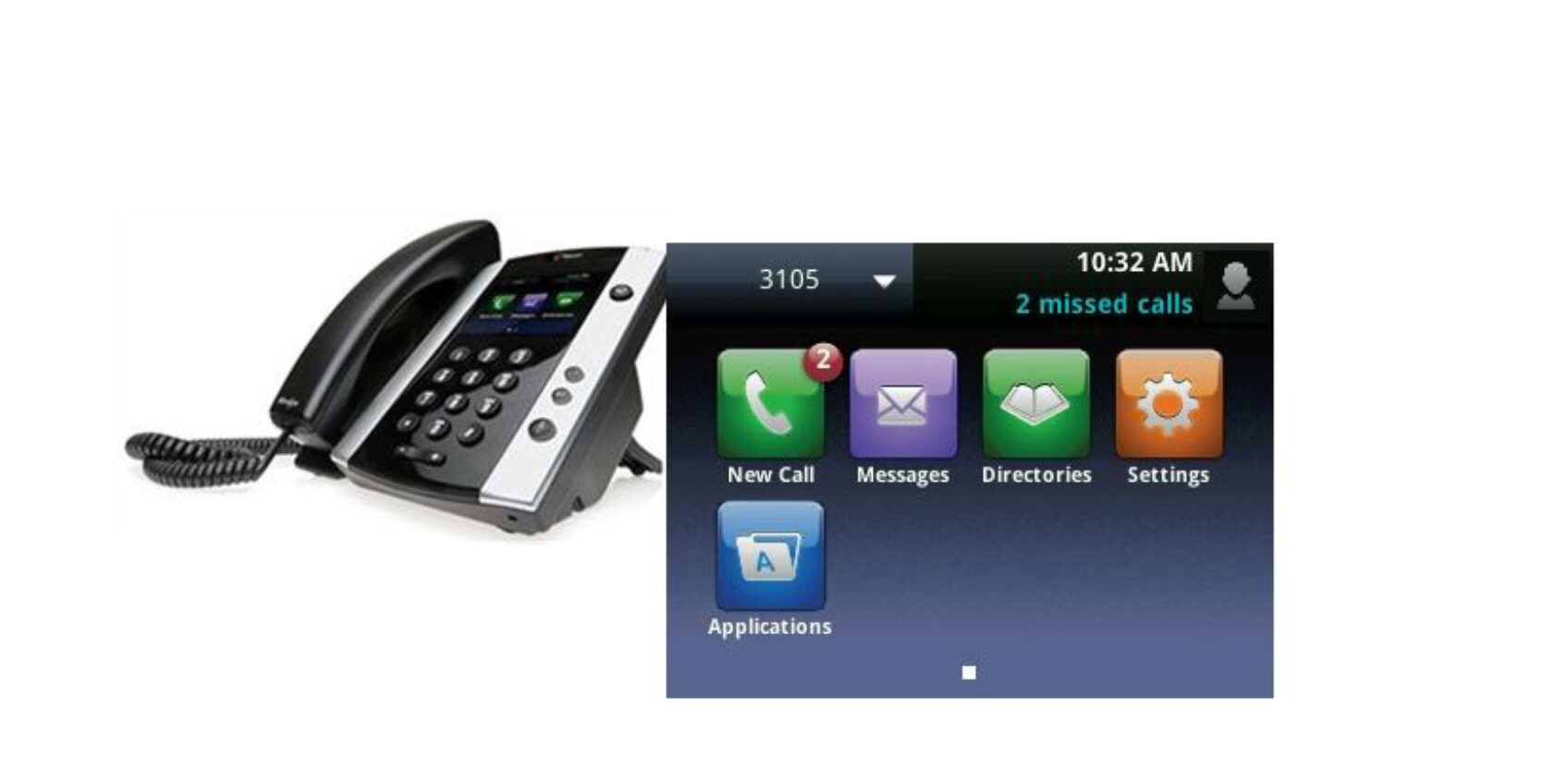
If you have missed one or more calls, you will see a “missed calls” popup on the top right-hand corner of your Polycom phone that flashes between the popup and the date.. Whilst it’s great that your phone keeps you up to date with all your missed calls, the constant flashing can become really annoying after a while.
Removing the Popup
The easiest way to remove this missed calls” popup, is to hit the down arrow on the circular wheel that is below your home button (button with house icon on it). Hitting the down arrow, shows you a listing of your recently missed calls. If you hit More and then Clear you will get an option of which call list you wish to clear. Select “Missed Calls” and you will be able to get rid of the popup.
We hope the above information was useful for you, if you would like any more help or advice on using your Cloud phone then please, give us a call on 0800 505 3350 or drop us a contact form and we will be happy to discuss this with you. Alternative why not visit our Cloud telephone systems page where you can find out more about this great technology and see how it could improve your business.
Get in touch
Our team is available Monday to Friday.Let’s Talk….
Call, email or use the form below and we’ll come back to you the same business day.
Service Desk
Tel: 0345 389 2310 Option 1
Email: service.desk@tech-ip.co.uk (opens email application)
Accounts
Tel: 0345 389 2310 Option 3
Email: billing@tech-ip.co.uk (opens email application)
Sales
Tel: 0345 389 2310 Option 2
Email: sales@tech-ip.co.uk (opens email application)
Anything Else
Tel: 0345 389 2310 Option 4
Email: enquiries@tech-ip.co.uk (opens email application)